EchoMark Screen applies an invisible, individualized watermark to everything displayed on the screen, so when information is leaked via a photo or screen capture, you can identify the source of the leak in minutes.
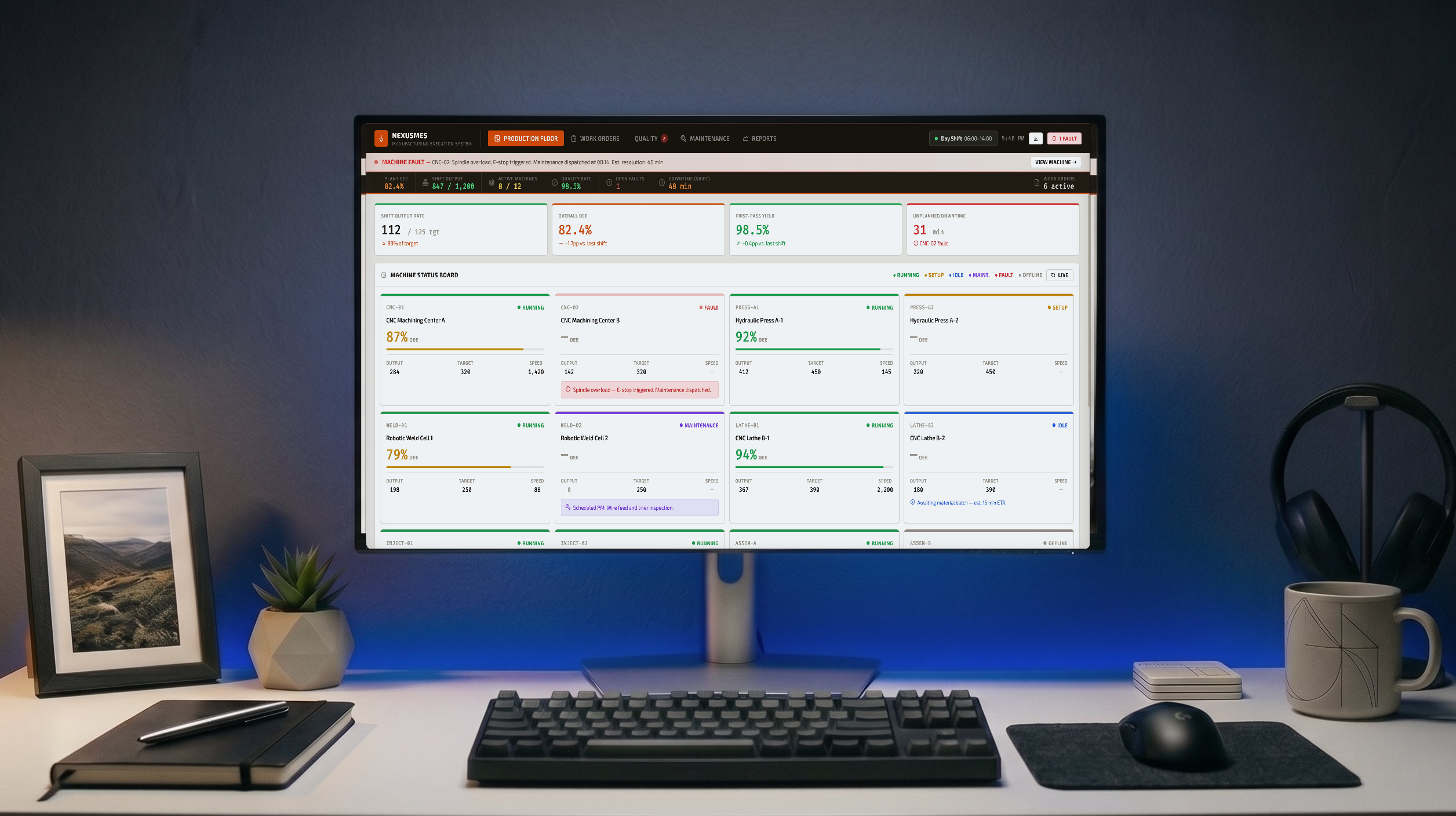
The earnings model being built in Excel. The acquisition term sheet open in a deal management system. The inventory data displayed on a warehouse workstation. All of this sensitive information is visible on screens, but may never be sent over email or shared as a link.
EchoMark Screen applies an invisible, individualized watermark across the screen, automatically protecting every application, browser, collaboration tool, and dashboard on screen - all without requiring app integrations or disrupting user work. When sensitive information is photographed or screen captured, the watermark persists and can be used to identify the leak source.
The marks are invisible to users and automatically applied. When additional deterrence is needed, visible watermarks can be enabled to augment the invisible marks.
When a leak occurs, upload the photo or screen capture to EchoMark’s investigation tool to get a forensic report with confidence score, device ID, and session timestamp, in minutes.
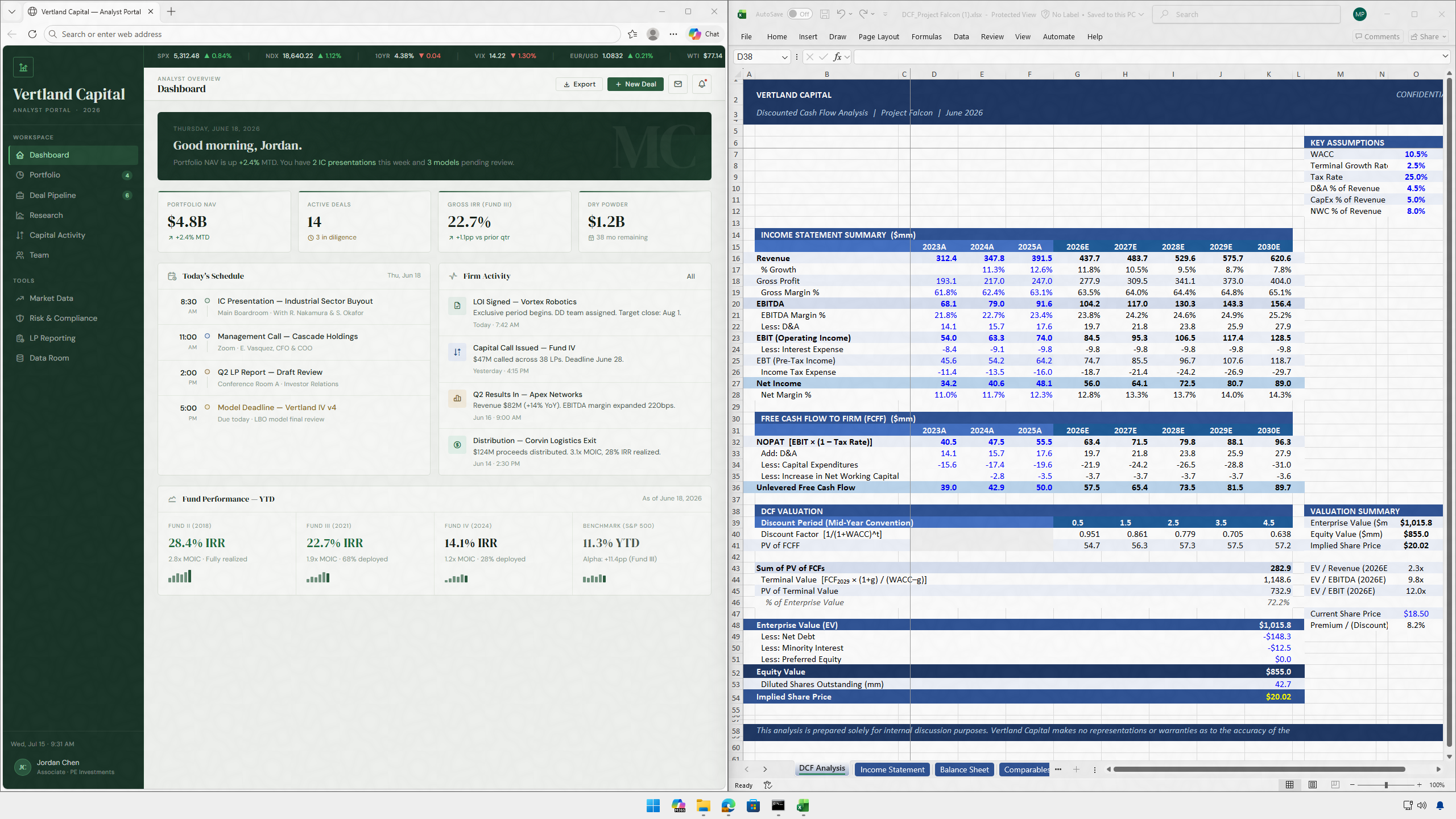
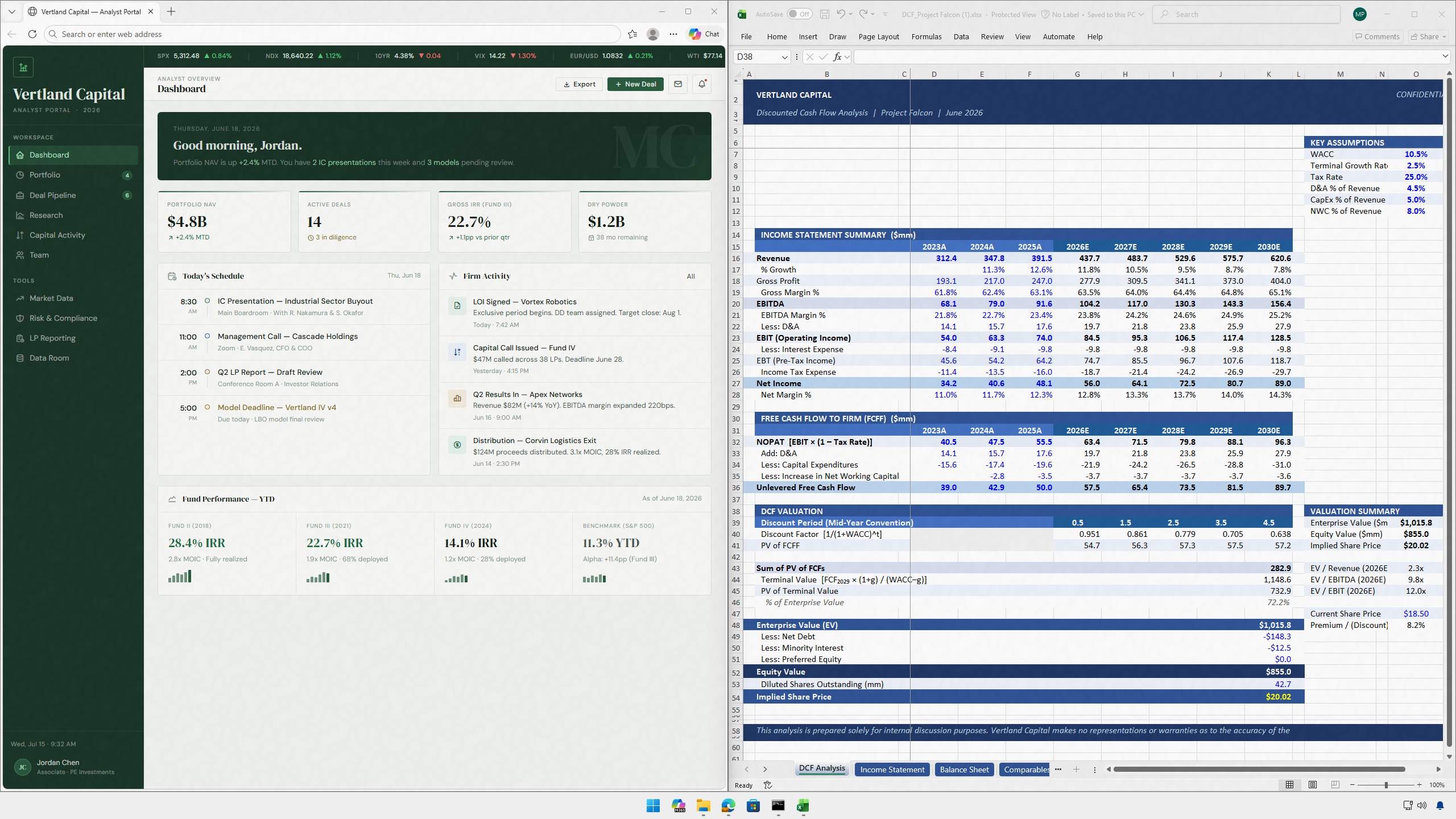
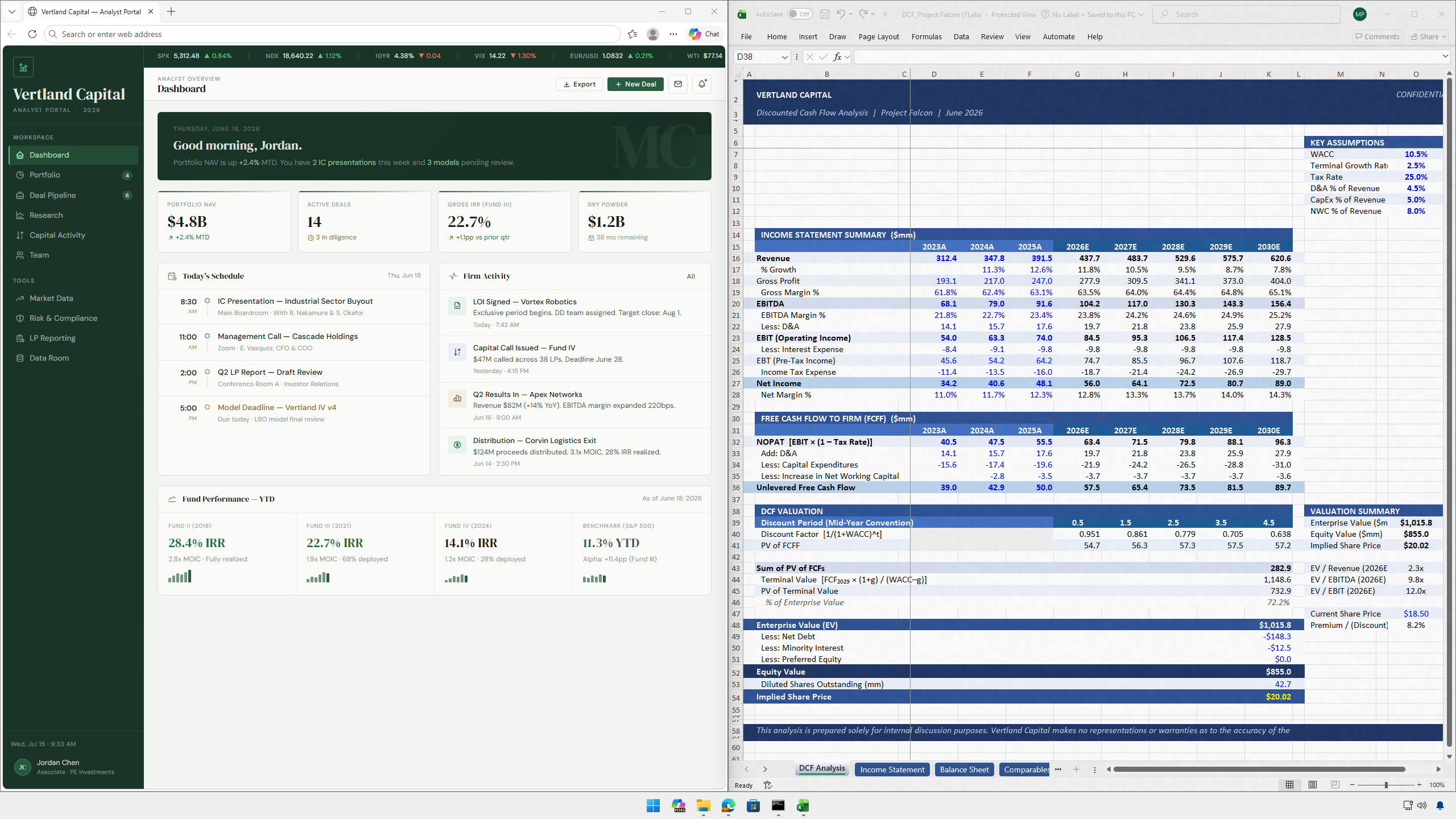
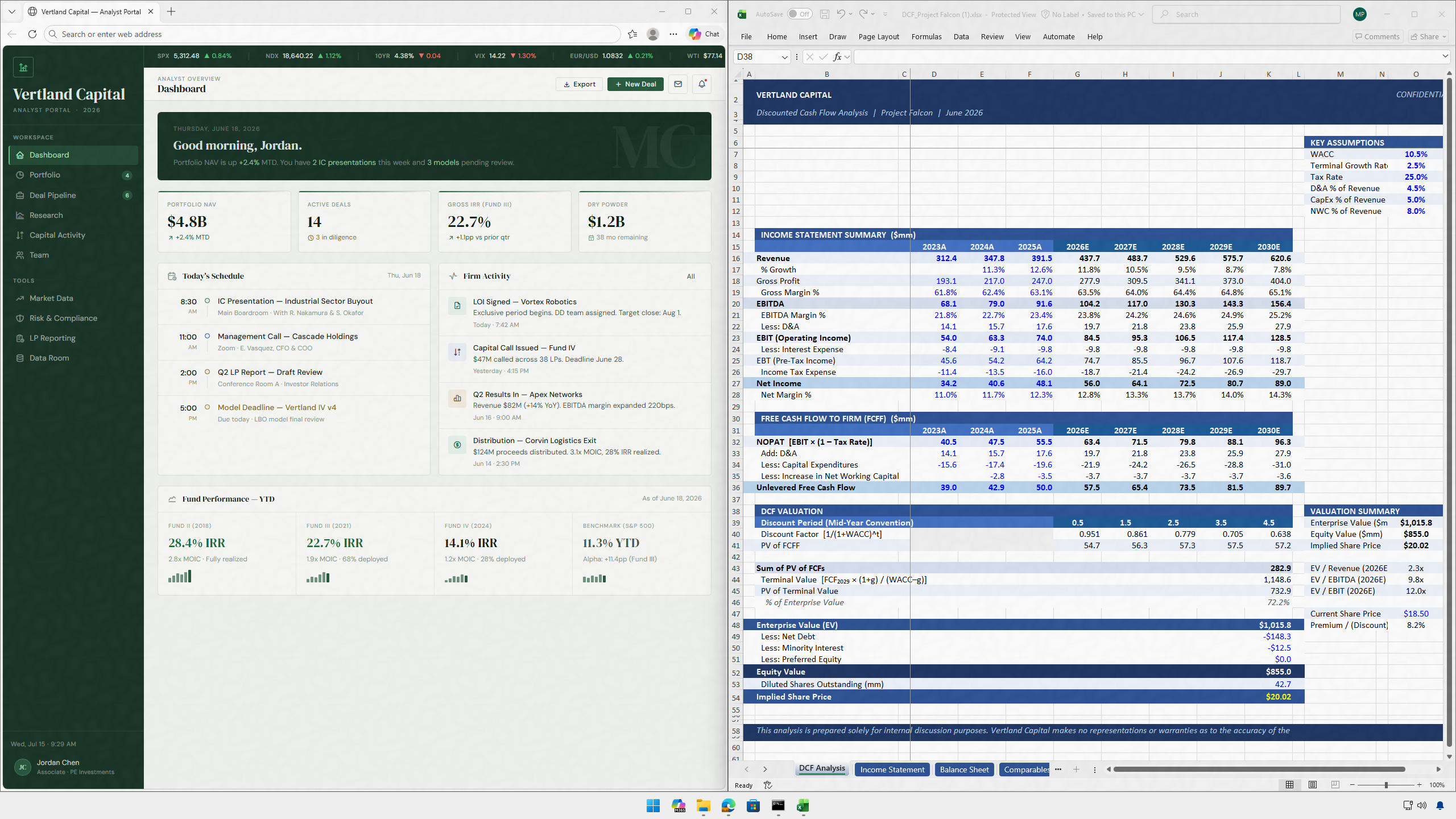
Simulate leaking one of the screens below, and we'll send you an investigation report that indicates which version you "leaked".
Expand one of the documents below, then take a screenshot or photo using your smartphone.
Send the image as an attachment to screenleaks@echomark.com
We'll send you a leak investigation report via email. Results are generally available in minutes.
Deploy to IT-managed Windows endpoints via your existing enterprise distribution tools. No new infrastructure, no custom agents, and no application integrations required. Most organizations can be fully deployed same day.
Supports VDI and shared workstations. Attribution resolves by device ID and session timestamp, not account identity alone, allowing for leak tracing even when multiple users share a device.
Works with your existing security stack. EchoMark Screen is designed to compliment, not replace, your current security tooling. It operates independently of DLP, IRM, and email security platforms, and integrates with Microsoft Purview for organizations that use it.

A deal team at a large bank is working through a pending acquisition. The term sheet and financials are live in the deal management system, visible to two dozen people. Three days before the announcement, a financial news site publishes terms that should not be public.
Under traditional tools, the investigation runs into walls. Everyone had legitimate access. No file moved. No DLP alert fired. The leak almost certainly came from a phone photograph, but there is no way to tie it to a specific person. Weeks pass, the deal falls apart while the investigation is inconclusive.
With EchoMark Screen: the compliance team uploads the leaked image. Within minutes, the forensic report returns a match with a specific device and session timestamp. The investigation closes the same day it opens.
How does EchoMark Screen work?
EchoMark Screen installs at the OS display layer — below every application on the device. Once deployed, it automatically embeds an invisible, individualized watermark into every pixel rendered on screen, across every application, in every session. When a leak is suspected, investigators upload the photographed image or screenshot to EchoMark's investigation tool. The tool analyzes the invisible watermark and returns a forensic report — including the identified user, device ID, session timestamp, chance of error, and chain-of-custody documentation — in minutes.
Does it require integration with individual apps?
No. EchoMark Screen operates at the OS display layer, below every application. A single deployment automatically covers all apps — browsers, productivity suites, ERP systems, collaboration tools, AI assistants — without touching any of them.
Is the watermark visible to end users?
No. By default, the watermark is completely invisible to end users — there is no visual indication it is active, no performance impact, and no change to how applications look or behave. Users continue working normally without any disruption or awareness that attribution is active. Organizations can optionally activate a visible overlay as a deterrent; the invisible watermark operates independently and is always present.
How quickly can EchoMark Screen identify a source?
When a leaked photograph or screenshot is uploaded to EchoMark's investigation tool, a forensic report comes back in minutes. It includes a confidence score, the specific user account, device ID, session timestamp, and chain-of-custody documentation suitable for legal proceedings.
Does it work with VDI and shared workstations?
Yes. Attribution resolves by device ID and session timestamp rather than account identity alone, making it accurate even in VDI environments and multi-user, multi-shift workstations.
Is EchoMark Screen the same as DLP?
No. DLP solutions monitor and block digital data transfers. EchoMark Screen addresses the gap DLP cannot cover: the physical world. When content is photographed rather than forwarded electronically, no DLP alert fires. EchoMark Screen makes those physical leaks attributable. The two tools are complementary.
Does EchoMark Screen work with Microsoft Purview?
Yes. EchoMark Screen operates at the OS display layer independently of any application-layer controls, so it complements Purview's information protection policies rather than replacing them. Organizations using Purview for classification and access governance can add EchoMark Screen to extend attribution coverage to screen-based leaks that Purview cannot address.
Can it identify a source from a cropped or partial image?
Yes. The forensic watermark is embedded redundantly across the entire display, so attribution can be recovered from a partial image — a cropped screenshot, a photograph taken at an angle, or a picture that captures only a portion of the screen. The investigation tool reports a confidence score based on the number of recoverable marks; even partial captures routinely return high-confidence identifications.
What operating systems are supported?
EchoMark Screen currently supports Windows endpoints, deployed via standard IT-managed enterprise distribution tools. No custom tooling, agents, or application integrations are required.
How does it complement existing security tools?
EchoMark Screen extends — not replaces — distribution-layer controls like DLP, IRM, and email security. Those tools protect information when it's sent and shared digitally. EchoMark Screen adds protection for the moment of viewing. Together, they cover the full information lifecycle.
See how EchoMark can be seamlessly integrated with your Microsoft Exchange or Google Workspace to automatically embed invisible watermarks in messages, images, and documents.