Invisible forensic watermarking for everything that appears on your screen
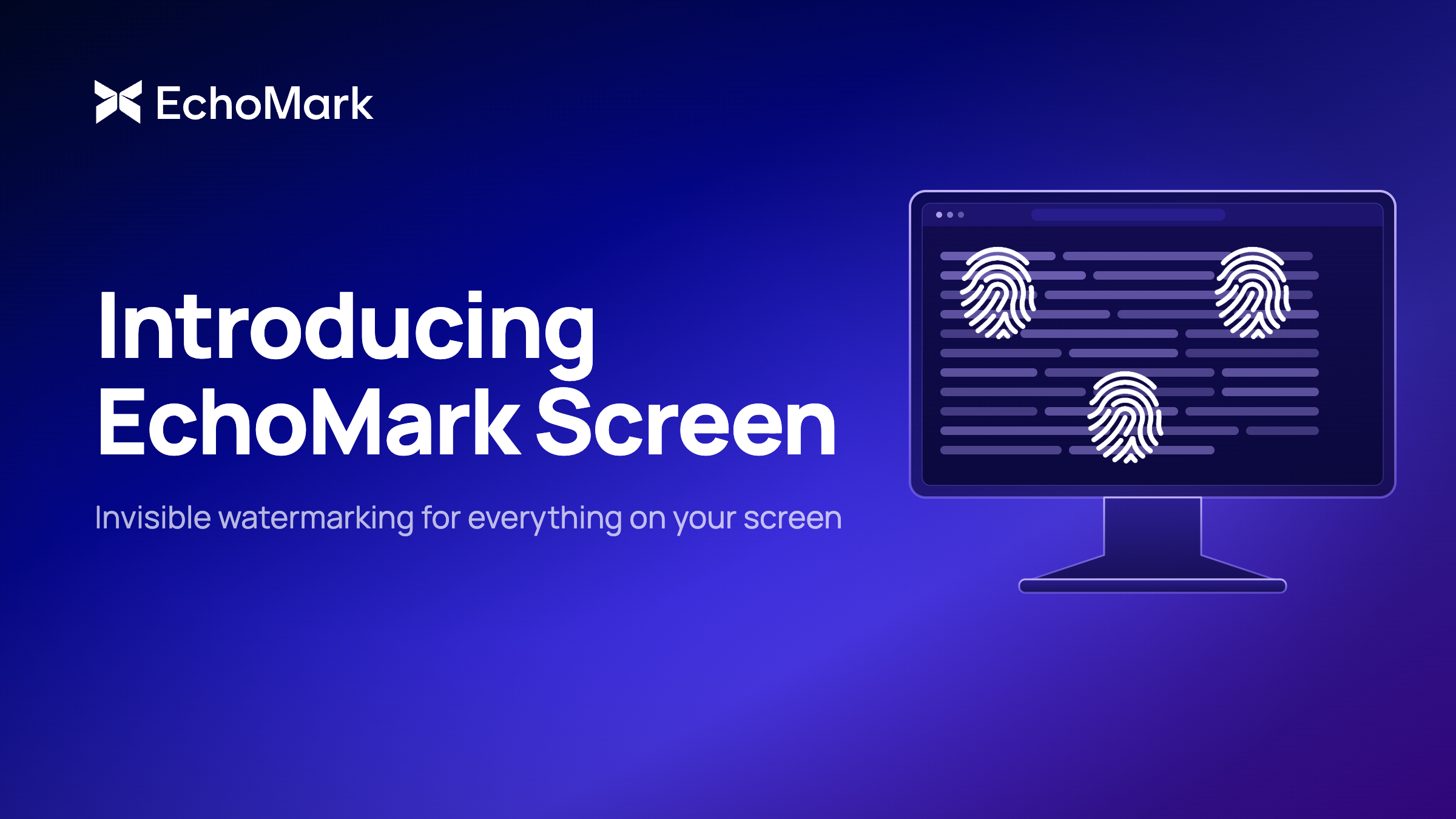
Marking sensitive information at the point of distribution - emails, shared documents, images - closes a real and consequential leak vector. But distribution is not the only exposure window, and EchoMark’s goal has always been to close every one of them. The earnings model being built in Excel three days before the announcement, the acquisition term sheet open in a deal management system while the team works through revisions, the customer records loaded in a CRM during a support call - all of this is visible on screens long before anything is formally sent, if it ever is.
The screen is the last line of defense. An organization can do everything else right: end-to-end encryption (E2EE), Data Loss Prevention (DLP), Digital Rights Management (DRM), and watermarking every email and document at the point of distribution. But sensitive information can still escape via a photograph of a screen, leaving almost no digital trace: no send event, no access log, no DLP alert. The leak happens in the physical world, and no distribution-layer control was designed to see it.
Today we are adding screen coverage to the EchoMark platform with the introduction of EchoMark Screen. EchoMark Screen extends steganographic watermarking - the same invisible forensic marking technology behind EchoMark Email and EchoMark FileShare - to anything displayed on a computer screen. It silently renders an invisible, individualized identifier directly onto the display, so when sensitive content is photographed or screen-captured and leaked, organizations can identify which user and device is the source. Read on to learn more.
The practical challenge with protecting information as it’s being edited and collaborated on is the breadth of the application environment. An enterprise runs thousands of applications including productivity suites, collaboration platforms like Teams and Slack, line of business applications, custom dashboards, AI assistants, and ERP systems. Watermarking each one independently would be technically complex, operationally onerous, and obsolete as soon as a new application is introduced.
Rather than marking information piecemeal at the application layer, EchoMark Screen operates at the OS layer without needing to integrate into, read from, or modify applications or content. Using proprietary AI-powered algorithms and steganographic techniques, it embeds a unique invisible watermark directly at the Windows display layer, marking everything the screen renders across every application simultaneously. Users don’t see the watermark and their workflows aren’t disrupted.
.png)
When content displayed on the screen is photographed or captured as a screenshot, the steganographic watermark persists in the image even though it is invisible to users. Security and compliance teams upload the leaked artifact to EchoMark’s investigation tool to receive a forensic report in minutes, with a confidence score, device ID, session timestamp, and chain-of-custody documentation.
EchoMark Screen is currently available for IT-managed Windows PC endpoints via standard enterprise distribution tools and can be deployed organization-wide in hours rather than the weeks or months required for application-level integrations. It supports both dedicated and shared workstations, including virtual desktop infrastructure (VDI) environments. For environments where multiple users share a device or a single account spans multiple shifts, EchoMark resolves attribution using device ID and session timestamp rather than account identity alone.
Administrators can optionally enable a visible watermark as well. When enabled, the visible layer functions as a deterrent: it signals to users that their session is marked and that accountability is real, changing behavior before a leak occurs. The two operate independently - visible marking for deterrence, invisible marking for attribution - and both can be active simultaneously.
Consider how a screen-based leak unfolds at a financial institution, and how EchoMark Screen changes the outcome.
A deal team at a large bank is working through a pending acquisition. The term sheet and supporting financials are live in the deal management system, visible to two dozen people across banking, legal, and finance as they work toward close. Three days before the announcement, a financial news site publishes terms that should not be public. The compliance team opens a leak investigation.
Under traditional tools, the investigation runs into walls immediately. Everyone on the deal team had legitimate access. There are no unusual download events in the DLP logs, no outbound email, no file transfer of any kind. The leak almost certainly came from a phone photograph, but there is no way to tie that photograph to a specific person or session. Interviews follow, weeks pass, and the investigation closes as inconclusive.
With EchoMark Screen active across deal team workstations, the same investigation follows a different path. The compliance team uploads the leaked image to EchoMark's investigation tool. Within minutes, the forensic report returns a match: a specific user account, device, and session timestamp. The suspect pool collapses to one, and the investigation resolves the same day it opens.
Together, EchoMark’s capabilities now cover the full information lifecycle. EchoMark is the only company that uses steganographic techniques to watermark plain text - the most frequently leaked form of information - in emails and documents at the point of distribution through integrations with Microsoft Exchange and Google Workspace. Now EchoMark Screen adds steganographic protection for content as it is viewed and edited, regardless of file format and application. For security teams, this closes an important blind spot.
For compliance and legal teams, it means that investigations into screen-based leaks now follow the same structured, evidence-backed process as any other EchoMark investigation, complete with a chain-of-custody report that can support internal proceedings, regulatory response, or legal action.
Schedule a demo to see how EchoMark Screen works in your environment, including shared workstations, VDI, and multi-shift operations.
-----
1. What is EchoMark Screen?
EchoMark Screen is a forensic watermarking product that embeds an invisible, steganographic watermark directly at the Windows OS display layer, covering every application and content type simultaneously, without any application integration. When a screen is photographed or captured and the image leaks, security teams can upload the artifact to EchoMark’s investigation tool and receive a forensic report in minutes identifying the source user, device, and session.
2. Does the invisible watermark survive if someone photographs the screen with a phone?
Yes. The invisible steganographic watermark persists in photographs taken with a phone camera, not just digital screenshots. This is the exact leak vector that conventional DLP, DRM, and access-logging tools cannot detect or trace. EchoMark Screen was built specifically to close this gap.
3. What does a leak investigation look like with EchoMark Screen?
The investigation workflow is the same as any EchoMark investigation: upload the leaked image, for example a phone photo or screenshot, to EchoMark’s investigation tool. Within minutes, the forensic report returns a match with a confidence score, device ID, session timestamp, and chain-of-custody documentation. The same process that previously took weeks of inconclusive interviews and log review resolves in minutes.
4. What operating systems and environments does EchoMark Screen support?
EchoMark Screen is currently available for IT-managed Windows PC endpoints and can be deployed via standard enterprise distribution tools organization-wide in hours. It supports dedicated workstations, shared workstations, and virtual desktop infrastructure (VDI) environments. Attribution in shared or multi-shift environments uses device ID and session timestamp rather than account identity alone.
5. How does EchoMark Screen fit with EchoMark’s other products?
EchoMark Screen completes the platform’s coverage of the full information lifecycle. EchoMark Email watermarks the body and attachments of outbound emails through integrations with Microsoft Exchange and Google Workspace. EchoMark File Share watermarks documents distributed via shareable links. The EchoMark API enables watermarking to be embedded directly into proprietary applications or workflows. EchoMark Screen now adds coverage for the moment content is viewed on screen, regardless of which application is displaying it. Together, sensitive information is marked at every point it can be exposed: when it is sent, when it is shared, and now when it is viewed.
-----
EchoMark embeds invisible, individualized watermarks into emails, documents, images, and screens. When sensitive information leaks, EchoMark identifies whose copy was leaked, in minutes, with forensic evidence.